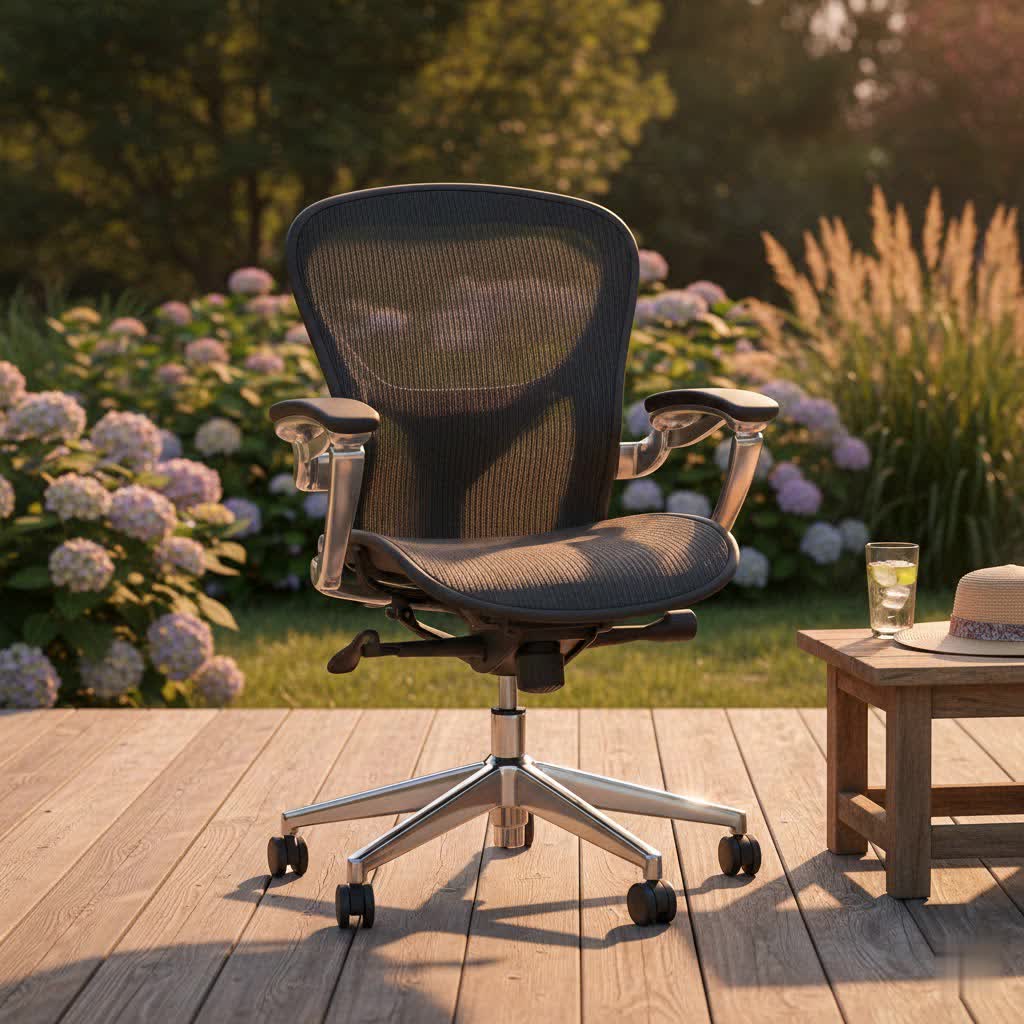
Spending countless hours seated, whether tackling demanding work projects or immersing yourself in creative tasks, can take a significant toll on your body. If you’ve ever experienced nagging back pain, stiff shoulders, or persistent neck discomfort after a long day, you understand the critical need for proper support. The right ergonomic office chair isn’t just a piece of furniture; it’s an investment in your health, productivity, and overall well-being. It’s about transforming your workspace into a haven of comfort and efficiency, allowing you to focus on what matters most without the constant distraction of physical strain. This comprehensive guide will navigate the world of ergonomic office chairs, exploring what makes them essential, the key features to prioritize, and how to choose the ideal model that perfectly suits your unique needs and workspace.
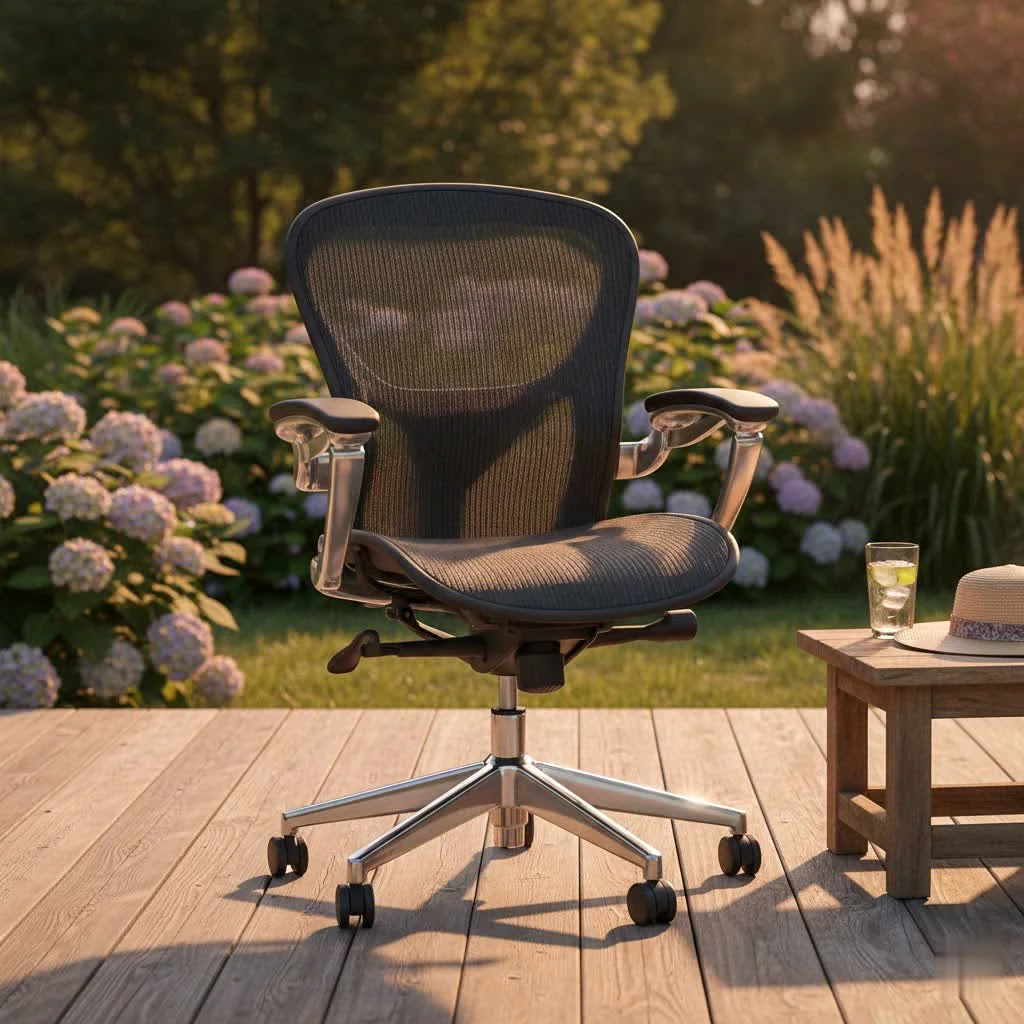
What Makes an Office Chair Truly Ergonomic?
An ergonomic office chair is meticulously designed to support the human body’s natural posture and movements, promoting spinal health and reducing discomfort. Unlike conventional chairs, ergonomic models offer a range of adjustability, allowing users to customize the chair to their specific body dimensions and preferences. Key characteristics define a truly ergonomic design.
Firstly, a chair must offer adjustable seat height, preferably with a pneumatic cylinder, to ensure your feet rest flat on the floor with your knees at a 90-degree angle or slightly below. This proper alignment is crucial for alleviating strain on your legs and improving circulation. Secondly, adjustable seat depth is vital. The seat pan should be deep enough to support most of your thighs, leaving a small gap (about 0.5 inches) between the front edge of the seat and the back of your knees, preventing pressure points. Many ergonomic chairs feature a “waterfall” edge to further reduce this pressure.
Crucially, lumbar support is non-negotiable. This feature should be adjustable both vertically and horizontally, contouring to the natural inward curve of your lower back. Effective lumbar support helps maintain the spine’s natural S-shape, significantly reducing lower back pain and encouraging an upright, healthy posture. The backrest itself should be sufficiently large to provide support from the mid-back up to the shoulder blades, allowing full upper body support without restricting elbow movement.
Furthermore, backrest recline and tilt mechanisms are essential. The best ergonomic chairs promote “dynamic sitting,” allowing you to recline and shift positions throughout the day. This movement is beneficial for spinal health, reduces pressure on the lower spine, and helps maintain proper circulation, combating fatigue. Locking the backrest in a single position is generally not recommended as it restricts beneficial movement.
Finally, adjustable armrests (height and, ideally, width and pivot) provide crucial support for your shoulders and prevent neck strain by allowing your arms to rest comfortably. They should be contoured and cushioned for comfort and easily moved out of the way when not needed for tasks like typing. A five-pedestal base with smooth-gliding casters ensures stability and mobility, allowing you to move freely around your workspace without unnecessary strain.
Key Factors to Consider When Buying Your Best Ergonomic Office Chair
Choosing an ergonomic office chair requires a thoughtful approach, focusing on how its features align with your personal needs and working style. Consider these critical factors to make an informed decision:
Comfort and Support
|
Our Picks for the Best Office Chair in 2026
As an Amazon Associate I earn from qualifying purchases.
|
||
| Num | Product | Action |
|---|---|---|
| 1 | Sweetcrispy Office Computer Desk Chair, Ergonomic High-Back Mesh Rolling Work Chairs with Wheels and Adjustable Headrests, Comfortable Lumbar Support, Comfy Flip-up Arms for Home, Bedroom, Study,Black |

|
| 2 | Amazon Basics Classic Puresoft PU Padded Mid-Back Height Adjustable Office Computer Desk Chair with Armrest, 26"D x 23.75"W x 42"H, Cream |
|
| 3 | TRALT Office Chair - Ergonomic Desk Chair with Adjustable Lumbar Support, Mesh Computer Chair, Executive Chairs for Home Office Comfortable Lumbar Support (Black) |
|
| 4 | Marsail Ergonomic Office Chair: Office Desk Chair with High Back Mesh and Adjustable Lumbar Support Rolling Work Swivel Task Chairs with Wheel 3D Armrests and Headrest |
|
| 5 | TRALT Office Chair Ergonomic Desk Chair, 330 LBS Home Mesh Office Desk Chairs with Wheels, Comfortable Gaming Chair, High Back Office Chair for Long Hours (White) |
|
| 6 | BestOffice - Ergonomic Office Chair - Mid-Back Swivel Desk Chair - Breathable Backrest & Lumbar Support - Adjustable Height - Sponge Seat - Rolling Wheels - Black - for Adults & Women |
|
| 7 | Amazon Basics Classic Puresoft PU Padded Mid-Back Height Adjustable Office Computer Desk Chair with Armrest, 26"D x 23.75"W x 42"H, Black |
|
| 8 | Monhey Desk Computer Chairs - Ergonomic with Lumbar Support & Flip-up Arms Home Office Height Adjustable High Back Rockable Swivel 360° Warm Taupe Mesh Study Chair |
|
| 9 | Ergonomic Office Chair with Footrest - Adjustable Lumbar Support & Headrest, 90-160° Reclining Mesh Back Computer Chair - Home Office/Gaming, 350lbs Capacity (SGS Certified) |
|
| 10 | TRALT Office Chair Ergonomic Desk Chair, 330 LBS Home Mesh Office Desk Chairs with Wheels, Comfortable Gaming Chair, High Back Office Chair for Long Hours (Black) |
|
The core of an ergonomic chair lies in its ability to provide sustained comfort and comprehensive support.
- Lumbar Support: Look for chairs with dynamic or highly adjustable lumbar support that can be tailored to the unique curve of your lower back. This targeted support is paramount for preventing and alleviating lower back pain.
- Seat Cushioning and Shape: A good seat pan should be contoured for even weight distribution, with a high-density foam that retains its shape over long periods. A waterfall front edge is ideal to prevent pressure on your thighs. You should feel comfortable even after sitting for 60–120 minutes.
- Backrest: The backrest should be high enough to support your entire back, reaching up to your shoulders. Features like a flexible backrest or a split, butterfly-style design can offer dynamic support that moves with your body.
- Armrests: Adjustable armrests are crucial for supporting your arms and shoulders, taking pressure off your neck. Look for broad, contoured, and cushioned options that can be adjusted for height and width.
- Headrest: While not always required, a headrest provides valuable support for your neck and head, especially if you experience neck pain or frequently recline.
Adjustability
The more adjustable a chair, the better it can be customized to your body.
- Seat Height: A pneumatic cylinder for easy, on-the-fly height adjustments is ideal, allowing your feet to remain flat on the floor.
- Seat Depth: This adjustment ensures the seat pan fits your leg length, maintaining the recommended gap behind your knees.
- Backrest Tilt and Recline: Look for mechanisms that allow for various recline angles and tilt tension adjustments. The ability to lock the tilt in multiple positions or a “self-adjusting” recline offers flexibility and promotes movement.
- Lumbar Adjustment: Beyond height, some chairs offer depth adjustment for even more precise lower back support.
Material
The chair’s material impacts both comfort and maintenance.
- Mesh: Excellent for breathability, keeping you cool during long hours, especially in warmer climates. It also provides flexible, adaptive support.
- Fabric: A common choice, offering a comfortable feel and a wide range of colors. However, it may be less resistant to spills and harder to clean than other options.
- Leather/Faux Leather: Offers a premium, sophisticated look and is generally easy to wipe clean. The main drawback is less breathability, which can lead to heat accumulation.
- Knit: Modern chairs may feature 3D-knit backrests, combining the softness of fabric with the breathability of mesh.
Durability and Longevity
An ergonomic chair is an investment, so durability is key.
- Frame: Look for robust materials like steel or aluminum alloy in the frame and base for long-term stability and support.
- Casters: Smooth-gliding casters that are appropriate for your flooring (carpet or hard floor) ensure effortless movement without damage or noise.
- Weight Capacity: Check the maximum weight limit to ensure the chair can safely accommodate you.
- Warranty: Reputable brands typically offer extensive warranties, sometimes up to 10-12 years, reflecting confidence in their product’s quality.
Size and Style
Your chair should not only feel good but also fit your body and blend with your workspace aesthetics.
- Fit for Your Body: Consider your height and weight. Some chairs offer multiple sizes (small, medium, large) to better accommodate different body types.
- Aesthetics: From minimalist designs to more robust, feature-rich models, choose a style and color that complements your office environment.
Popular Types of Ergonomic Office Chairs
While the term “ergonomic office chair” often brings to mind the traditional adjustable task chair, the market offers various designs to cater to diverse needs and preferences for movement and posture:
- Traditional Ergonomic Task Chairs: These are the most common, featuring extensive adjustability for seat height, depth, backrest tilt, lumbar support, and armrests. They are designed for prolonged sitting at a desk and are the focus of most “best of” lists.
- Executive Ergonomic Chairs: Often larger, with higher backrests and more luxurious materials like leather, these chairs combine ergonomic features with a more commanding aesthetic.
- Mesh Chairs: Characterized by breathable mesh backrests (and sometimes seats), these chairs are excellent for airflow and flexible support.
- Balance-Ball Chairs: These chairs replace the traditional seat with an exercise ball, engaging your core muscles and promoting active sitting to improve posture and strength. They require more active engagement and are often used intermittently.
- Kneeling Chairs: Designed to open up the hip angle and shift some body weight from the lower back to the shins, these chairs can promote a more neutral lumbar spine. They are best used in rotation with a traditional chair to avoid knee pressure.
- Ergonomic Stools: These can be a good option for dynamic sitting, encouraging core engagement and making it easier to transition between sitting and standing. They are often minimalist and suitable for smaller spaces.
Top Ergonomic Office Chair Models
While the “best” chair is subjective and depends on individual needs, several models consistently receive high praise for their ergonomic design, comfort, and durability. These chairs represent different price points and feature sets, offering excellent options across the spectrum:
- Herman Miller Aeron: Often considered the “gold standard” in ergonomic seating, the Aeron features an iconic mesh design, superior lumbar support, and extensive adjustability in three sizes to accommodate various body types. It’s a premium investment renowned for its long-term health benefits.
- Steelcase Gesture / Leap: Steelcase offers robust and highly adjustable chairs like the Gesture, praised for its exceptional comfort and innovative “LiveBack” technology that flexes with your movements. The Leap chair is also celebrated for its dynamic backrest that conforms to the spine.
- Branch Ergonomic Chair / Verve Chair: Offering excellent value at a mid-range price, Branch chairs provide impressive adjustability and comfort, often featuring breathable mesh backs and high-density foam seats. The Verve chair is noted for its stylish design and suitability for shorter individuals.
- Autonomous ErgoChair Pro: This model stands out for its extensive adjustability, including a headrest, breathable mesh back, and multiple lockable tilt positions, available in various colors to suit office aesthetics.
- Hinomi X1 / H1 Pro: Hinomi chairs incorporate innovative features like split, butterfly-style backrests (X1 for back pain) or advanced 5D armrests and foldaway designs (H1 Pro), offering remarkable adjustability and modern aesthetics.
- Humanscale Freedom Chair: Known for its sleek design and “self-adjusting recline,” the Freedom chair minimizes levers for intuitive use, automatically adapting to your weight for seamless angle changes.
- Sihoo M56C / Doro S300: Sihoo provides budget-friendly to mid-range options that deliver a surprising array of ergonomic features, including adaptive lumbar support and comfortable seat designs, making good ergonomics accessible.
Your Guide to Purchasing the Perfect Ergonomic Office Chair for You
The journey to finding your ideal ergonomic office chair involves more than just picking a popular model. It’s about a personalized approach to ensure the chair genuinely supports your well-being.
- Assess Your Specific Needs: Start by honestly evaluating your daily routine. How many hours do you spend sitting? Do you have any pre-existing conditions like back pain, neck stiffness, or circulation issues? What is your budget range? A chair for occasional use might differ greatly from one needed for 8+ hours daily.
- Conduct Thorough Research and Comparisons: Dive into reviews from reputable sources and compare features across different brands and models. Look for insights into specific adjustment capabilities, material quality, and user experiences relevant to your body type and pain points. Pay attention to feedback regarding lumbar support, seat comfort, and armrest functionality.
- Prioritize In-Person Testing (If Possible): The ultimate test for an ergonomic chair is how it feels when you sit in it. If feasible, visit showrooms and spend a significant amount of time (at least 60-120 minutes) trying out different models. Adjust every feature to its full range to see if it truly conforms to your body and provides the support you need. Pay attention to how your spine feels, if there are any pressure points, and if you can maintain a neutral posture comfortably.
- Examine Warranty and Return Policies: A high-quality ergonomic chair is a significant investment. Ensure the manufacturer offers a robust warranty that covers structural and mechanical components for a reasonable period (5-12 years is common for premium chairs). Understand the return policy in case the chair doesn’t meet your expectations after extended use.
Maximizing the Lifespan and Benefits of Your Ergonomic Chair
Once you’ve found your perfect ergonomic companion, proper care and usage will ensure it continues to support you for years to come.
- Regular Cleaning: Keep your chair free from dust and spills. Follow manufacturer guidelines for cleaning upholstery, whether it’s mesh, fabric, or leather, to maintain its appearance and hygiene.
- Correct Adjustment for Your Body: Regularly check that your chair’s adjustments (height, depth, lumbar, armrests) are still optimized for your posture. that your body benefits from dynamic sitting, so don’t lock yourself into one rigid position. Shift and recline occasionally to promote circulation and spinal health.
- Periodic Checks and Maintenance: Occasionally inspect the casters, gas lift, and adjustment mechanisms for smooth operation. Lubricate moving parts if recommended by the manufacturer. Tighten any loose screws to ensure stability and safety.
“A well-chosen ergonomic office chair is more than just a place to sit; it’s a foundational tool for long-term health, sustained comfort, and peak professional performance.”
Conclusion
Choosing the best ergonomic office chair is a pivotal decision that directly impacts your daily comfort, health, and productivity. By understanding the essential ergonomic features—from adjustable lumbar support and seat depth to dynamic recline mechanisms and supportive materials—you can make an informed choice that caters to your unique physical needs. Investing in a high-quality ergonomic chair is an investment in yourself, preventing discomfort, fostering better posture, and ultimately enhancing your focus and efficiency. Take the time to research, test, and select a chair that not only meets ergonomic standards but also feels intuitively right for your body.
Are you ready to improve your workspace and experience the profound difference a truly ergonomic office chair can make?
Frequently Asked Questions
Is an ergonomic office chair truly worth the investment?
Absolutely. While often more expensive upfront, ergonomic office chairs are designed to support your body’s natural posture, reduce strain on your spine, and alleviate common issues like back and neck pain. This long-term health benefit, coupled with increased comfort and productivity, makes it a valuable investment in your well-being and work performance.
How do I properly adjust an ergonomic office chair?
To properly adjust your chair, start by ensuring your feet are flat on the floor with knees at a 90-degree angle. Adjust seat depth so there’s a small gap behind your knees. Position lumbar support to fit the natural curve of your lower back. Set armrests so your arms rest comfortably, taking pressure off your shoulders, and adjust backrest tilt for dynamic movement throughout the day.
Should I choose a mesh or fabric ergonomic office chair?
The choice between mesh and fabric depends on your preferences. Mesh offers superior breathability, keeping you cooler, and provides flexible, conforming support. Fabric seats, often combined with foam cushioning, can offer a softer feel and a wider range of aesthetic options, though they may retain more heat. Consider your climate and comfort priorities.
Can an ergonomic chair help with existing back pain?
Yes, a properly adjusted ergonomic chair can significantly help alleviate existing back pain by providing targeted support to your lumbar spine, promoting correct posture, and reducing pressure points. However, it’s essential to combine a good chair with regular movement and ergonomic workstation setup to maximize benefits. For severe pain, consult a healthcare professional.
What is “dynamic sitting” and why is it important?
Dynamic sitting refers to the ability to subtly shift and recline in your chair throughout the day, rather than remaining in a static, fixed posture. It’s crucial because it promotes blood circulation, reduces pressure on spinal discs, strengthens core muscles, and prevents muscle stiffness, contributing to overall spinal health and comfort during long periods of sitting.
Get our weekly buyer guide
Practical specs, not advice. Unsubscribe anytime.

I finally pulled the trigger on a Herman Miller Aeron after reading about the importance of dynamic support. My old chair was killing my lower back, and I can honestly say this investment has been a game-changer. The adjustability is incredible, and I feel so much better at the end of a long workday. Definitely worth the higher price point for the relief it provides.
My Steelcase Gesture arrived last week, and I’m already in love. The ability to adjust for different postures, especially when I’m leaning forward for creative tasks, is fantastic. It’s made a huge difference in my overall comfort and focus. No more persistent neck discomfort for me!
I’ve been using a Secretlab Titan for my gaming and work setup, and it’s pretty solid. The lumbar support is good, and the recline feature is a lifesaver during long sessions. I do wish the armrests had a bit more padding, but overall, it’s a huge upgrade from my previous basic office chair. It really helps with the shoulder stiffness I used to get.
I tried out a budget-friendly Serta chair that was mentioned for its decent value. While it’s certainly better than a dining room chair, I’m finding the seat cushion flattens out a bit too quickly for my liking. It’s okay for a few hours, but for all-day use, I might need to look into something with more durable padding. The neck discomfort isn’t completely gone.