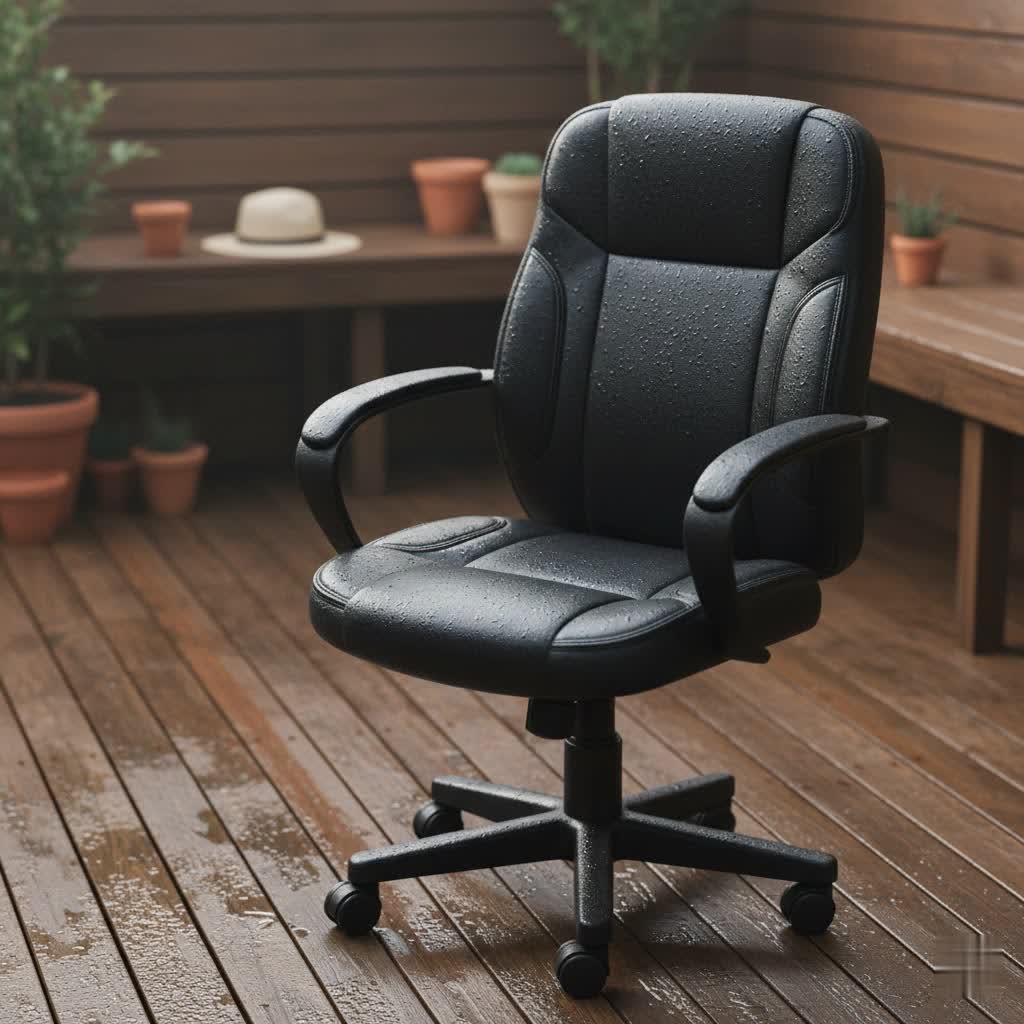
For many of us, the office chair is more than just a place to sit; it’s a critical component of our daily well-being, especially when dealing with persistent back pain. Spending hours hunched over a desk in an unsupportive chair can lead to discomfort, strain, and even long-term spinal issues. The right office chair for back pain isn’t just a luxury; it’s an investment in your health, productivity, and overall quality of life, offering the crucial support and adjustability needed to transform your workday.
Understanding Back Pain and Your Office Chair
Back pain is a common complaint, often exacerbated by prolonged sitting and poor posture. An inadequate office chair can contribute significantly to this problem by failing to support the natural curvature of your spine, leading to muscle strain, disc pressure, and misalignment. Conversely, a well-designed ergonomic office chair can dramatically reduce these issues, providing stability and encouraging healthy sitting habits.
Ergonomics focuses on designing environments and equipment to fit the user, rather than forcing the user to fit the equipment. For an office chair, this means a design that actively promotes a neutral spine position, distributes weight evenly, and allows for dynamic movement throughout the day. Investing in such a chair is a proactive step toward preventing future pain and managing existing discomfort, allowing you to focus on your work without distraction.
Key Features of an Excellent Office Chair for Back Pain
When you’re searching for an office chair specifically designed to alleviate back pain, certain features are non-negotiable. These elements work in concert to provide comprehensive support, promoting proper posture and reducing strain on your spine. Understanding what to look for will empower you to make an informed decision for your unique needs.
Lumbar Support: The Foundation of Back Health
Lumbar support is arguably the most critical feature in an office chair for back pain. Your lower back naturally curves inward, and without proper support, this curve can flatten, putting immense pressure on your spinal discs. An ideal ergonomic chair offers adjustable lumbar support, allowing you to customize both its height and depth to precisely match the natural inward curve of your lower back. This tailored support helps maintain spinal alignment and significantly reduces strain, acting like a gentle brace for your most vulnerable spinal region.
Seat Design: Depth, Height, and Cushioning
The seat of your office chair plays a vital role in proper posture and comfort.
- Adjustable Seat Height ensures your feet can rest flat on the floor, with your hips positioned level with or slightly higher than your knees, forming a 90-degree angle at your knees. This prevents pressure on your lower back and promotes healthy blood circulation.
- Adjustable Seat Depth is equally important. When sitting fully back in the chair, there should be a gap of two to three fingers between the edge of the seat and the back of your knees. This prevents the seat from pressing against the backs of your legs, which can restrict blood flow and lead to discomfort or numbness.
- Quality Cushioning in the seat, often multi-density foam, provides plush comfort without being so soft that you sink in too much. It should distribute your weight evenly, reducing pressure points that can aggravate hip and lower back pain. A “waterfall” seat edge, gently sloping downwards, is also beneficial for circulation.
Armrests and Headrests: Supporting Your Upper Body
|
Our Picks for the Best Office Chair in 2026
As an Amazon Associate I earn from qualifying purchases.
|
||
| Num | Product | Action |
|---|---|---|
| 1 | Ergonomic Office Chair with Footrest - Adjustable Lumbar Support & Headrest, 90-160° Reclining Mesh Back Computer Chair - Home Office/Gaming, 350lbs Capacity (SGS Certified) |

|
| 2 | TRALT Office Chair Ergonomic Desk Chair, 330 LBS Home Mesh Office Desk Chairs with Wheels, Comfortable Gaming Chair, High Back Office Chair for Long Hours (Black) |
|
| 3 | BestOffice - Ergonomic Office Chair - Mid-Back Swivel Desk Chair - Breathable Backrest & Lumbar Support - Adjustable Height - Sponge Seat - Rolling Wheels - Black - for Adults & Women |
|
| 4 | Amazon Basics Classic Puresoft PU Padded Mid-Back Height Adjustable Office Computer Desk Chair with Armrest, 26"D x 23.75"W x 42"H, Black |
|
| 5 | TRALT Office Chair Ergonomic Desk Chair, 330 LBS Home Mesh Office Desk Chairs with Wheels, Comfortable Gaming Chair, High Back Office Chair for Long Hours (White) |
|
| 6 | Monhey Desk Computer Chairs - Ergonomic with Lumbar Support & Flip-up Arms Home Office Height Adjustable High Back Rockable Swivel 360° Warm Taupe Mesh Study Chair |
|
| 7 | Marsail Ergonomic Office Chair: Office Desk Chair with High Back Mesh and Adjustable Lumbar Support Rolling Work Swivel Task Chairs with Wheel 3D Armrests and Headrest |
|
| 8 | Amazon Basics Classic Puresoft PU Padded Mid-Back Height Adjustable Office Computer Desk Chair with Armrest, 26"D x 23.75"W x 42"H, Cream |
|
| 9 | TRALT Office Chair - Ergonomic Desk Chair with Adjustable Lumbar Support, Mesh Computer Chair, Executive Chairs for Home Office Comfortable Lumbar Support (Black) |
|
| 10 | Sweetcrispy Office Computer Desk Chair, Ergonomic High-Back Mesh Rolling Work Chairs with Wheels and Adjustable Headrests, Comfortable Lumbar Support, Comfy Flip-up Arms for Home, Bedroom, Study,Black |
|
Often underestimated, adjustable armrests and a supportive headrest contribute significantly to overall spinal health.
- Adjustable Armrests, ideally 4D (meaning they adjust in height, depth, width, and pivot), allow you to rest your elbows comfortably at a 90-degree angle to your body. This takes pressure off your shoulders and neck, preventing strain that can radiate to your upper back. Without proper arm support, your shoulders might hunch, creating tension.
- A well-designed Headrest promotes neutral spinal alignment by supporting the base of your skull and encouraging your chin to remain gently tucked. This is particularly beneficial for preventing neck strain and maintaining the natural curve of your upper spine, especially during periods of recline.
Recline and Dynamic Movement: Beyond Static Sitting
While stability is important, the best ergonomic chairs encourage dynamic movement rather than locking you into a single, rigid position.
- Recline and Tilt Mechanisms allow you to periodically shift your posture, taking pressure off your spine and improving circulation. A recline feature that allows for angles between 100 and 110 degrees is ideal for decompressing the spine. Some advanced chairs offer even deeper recline or synchronous tilt, where the seat and backrest move together.
- Chairs that support micro-movements or have a dynamic backrest that adapts to your movements throughout the day are highly beneficial. This keeps your muscles engaged, promotes blood flow, and prevents pressure buildup that occurs from static sitting, which physicians and physical therapists emphasize as integral to healthy sitting.
Material Matters: Breathability and Durability
The materials used in an office chair impact both comfort and longevity.
- Breathable Mesh is an excellent choice, especially in warmer climates, as it allows for air circulation, preventing heat and moisture buildup.
- High-quality fabric can offer comfort and a wide range of aesthetic options.
- Leather or faux leather provides a luxurious feel and is often easy to clean, though it may be less breathable.
- Beyond upholstery, the frame and components should be robust, made from materials like steel or reinforced alloys, to ensure durability and stable support for years to come. Smooth-gliding casters and a stable base are also important for ease of movement and safety.
Types of Ergonomic Office Chairs for Back Pain
The market offers a wide array of ergonomic office chairs, each with its own strengths and price point. Understanding these categories can help you narrow down the best choice for your specific back pain needs and budget. From fully adjustable models to those with advanced technology, there’s a chair designed to address various concerns.
Full-Featured Ergonomic Chairs
These chairs are engineered with comprehensive adjustability to cater to a broad range of body types and ergonomic needs. They typically offer highly customizable lumbar support, multi-dimensional armrests, seat depth adjustment, and sophisticated recline mechanisms. They are designed for individuals who spend long hours sitting and require robust, adaptable support to prevent and alleviate back pain. Brands like Branch and some mid-range Sihoo models often fall into this category, offering a balance of features and value.
Budget-Friendly Ergonomic Options
For those seeking relief without a significant investment, several chairs offer commendable ergonomic features at an accessible price point. While they might not boast the full array of adjustments found in premium models, they prioritize core ergonomic principles like adjustable lumbar support and basic comfort. The Sihoo M18 is a notable example, often lauded for punching above its weight in comfort and ergonomics for under $200. These chairs prove that effective back support doesn’t always have to break the bank.
Premium Ergonomic Chairs
Representing the pinnacle of office chair design, premium ergonomic chairs from brands like Herman Miller and Steelcase are the result of extensive research and development, often incorporating insights from biomechanics and physical therapy experts. They feature advanced materials, intricate adjustment systems, and designs that actively promote healthy posture and movement. Chairs like the Herman Miller Embody, for example, are known for their ability to encourage micro-movements, distributing weight and enhancing circulation to reduce pressure on the spine. While expensive, they are considered a long-term investment in spinal health.
Specialized Chairs
Beyond the general categories, certain chairs cater to specific preferences or needs:
- Gaming Chairs with Ergonomics: While many gaming chairs focus on aesthetics, models like the Secretlab Titan Evo offer extensive ergonomic adjustability, including highly customizable lumbar support, making them suitable for prolonged sitting, even for non-gamers.
- Tech-Enhanced Chairs: Innovative chairs like the LiberNovo Omni integrate features such as motorized lumbar support and built-in spinal massage, offering precise adjustments and additional therapeutic benefits. These chairs push the boundaries of ergonomic technology.
- Saddle Chairs: Chairs like the HÅG Capisco encourage an open, active sitting posture, similar to riding a horse. This can be beneficial for blood flow and continuously adjusting your sitting position, making them popular with medical professionals and those using standing desks.
Top Office Chair Recommendations for Back Pain
Choosing the right chair can be overwhelming, so here’s a comparison of some highly-regarded office chairs known for their back pain relief capabilities, covering a range of budgets and features.
| Brand | Model | Key Features for Back Pain | Pros | Cons |
|---|---|---|---|---|
| Branch | Ergonomic Chair Pro | Adjustable lumbar support, seat depth, 3D armrests, wide recline | Excellent value for mid-range, deep comfort, stylish design | Assembly required |
| Sihoo | M18 | Adjustable lumbar support, comfortable mesh/foam seat | Best budget option, good comfort & ergonomics for the price | Armrests may not be as adjustable as premium models |
| Herman Miller | Embody | “Pixelated” back supports micro-movements, extensive adjustments, superior materials | Supreme comfort, encourages dynamic sitting, expert-designed | Very expensive, specific aesthetic might not appeal to all |
| LiberNovo | Omni | Motorized lumbar support, spinal massage, dynamic backrest, 160° recline | Technologically advanced, precise lumbar adjustment, luxurious feel | Newer company (less track record), electronic warranty shorter |
| Secretlab | Titan Evo | Fully adjustable lumbar (position & curvature), 4D armrests, magnetic head pillow | Great for gamers & long hours, high adjustability, robust build | Gaming aesthetic might not suit all office environments |
| X-Chair | X4 Executive | Adjustable lumbar support, 360° armrests, optional massage/heating | Executive leather style, highly adjustable, robust build, comfortable | Premium price, numerous buying options can be complex |
| HÅG | Capisco | Saddle seat encourages open posture, highly flexible height/depth | Unique design for active sitting, great for standing desks, durable | Expensive, aesthetic is divisive, not for “sinking in” comfort |
How to Properly Set Up Your Office Chair for Back Pain Relief
Even the most advanced ergonomic chair won’t deliver its full benefits without proper setup. A few simple adjustments can significantly impact your posture and comfort, helping to alleviate existing back pain and prevent future issues. Think of your chair as a custom-fitted tool for your body.
First, adjust your seat height. Your feet should be flat on the floor or on a footrest, with your knees forming a 90-degree angle and your hips slightly higher than your knees. This open hip angle reduces strain on your lower back. Next, set the seat depth. Sit all the way back in your chair, leaving a two-to-three-finger gap between the front edge of the seat and the back of your calves. This prevents pressure on your circulation while ensuring proper thigh support.
Crucially, position your lumbar support. This should fit snugly into the natural inward curve of your lower back, providing gentle, consistent contact. Adjust both the height and depth of the lumbar support until it feels like it’s actively supporting your spine without pushing too aggressively. Finally, adjust your armrests so your elbows are at a 90-degree angle, allowing your shoulders to relax. Ensure your computer monitor is at eye level to prevent neck strain, and keep your keyboard and mouse close to minimize reaching.
Beyond the Chair: Habits for a Healthy Back
While a good office chair is a cornerstone of back pain management, it’s just one part of a holistic approach to spinal health. No chair, however ergonomic, can fully counteract the effects of prolonged static posture. Incorporating healthy habits into your workday is equally important for long-term relief and prevention.
Make it a point to shift your sitting position every 20 to 30 minutes. Utilize your chair’s recline feature periodically to decompress your spine and change the pressure points. Most importantly, take regular breaks to stand up and move around. Aim for a short walk or stretch for two to three minutes every hour. Simple stretches for your hip flexors and hamstrings, which often tighten from sitting, can make a significant difference in reducing stress on your lower back. Remembering to maintain a neutral spine and relaxed shoulders even when standing or walking reinforces good postural habits.
Choosing the Right Office Chair: A Step-by-Step Guide
Selecting the perfect office chair for your back pain is a personal journey, but a structured approach can simplify the process and ensure you make the best investment for your health.
- Assess Your Needs:
- How many hours do you sit daily? More hours necessitate greater adjustability and durability.
- Do you have specific back issues (lower back, neck, disc herniation)? This will guide features like specialized lumbar support or headrests.
- What is your budget? Determine a realistic price range before you start looking.
- Consider your body type: Taller or heavier individuals may need chairs with extended height adjustments or higher weight capacities.
- Research Thoroughly:
- Read reviews and comparisons: Look for honest feedback from users with similar back pain issues.
- Watch video reviews: Visual demonstrations of adjustability can be incredibly helpful.
- Consult expert opinions: Seek advice from physiotherapists or ergonomic specialists if possible.
- Experience in Person (If Possible):
- Visit a showroom: Sitting in a chair before buying it is invaluable. Adjust all features to your body.
- Test for comfort: Does it feel supportive? Are there any pressure points?
- Simulate your workday: Try different sitting postures you’d use while working.
- Prioritize Adjustability: A chair that can be customized to your body is more effective than one with fixed features, regardless of its reputation.
- Check Warranty and Return Policy: A good warranty (especially on the frame and mechanisms) and a flexible return policy offer peace of mind for such an important purchase.
Conclusion
Finding the best office chair for back pain is a pivotal step toward transforming your workspace into a haven of comfort and productivity. By prioritizing adjustable lumbar support, proper seat design, and comprehensive adjustability, you can select a chair that not only alleviates current discomfort but also promotes long-term spinal health. Remember, your chair is a tool, and combined with mindful posture and regular movement, it forms a powerful defense against the aches and strains of a demanding workday. Don’t underestimate the impact a supportive seat can have – your back will thank you. What will be the first feature you adjust on your new, perfect office chair?
Frequently Asked Questions
Are ergonomic office chairs truly beneficial for back pain?
Yes, ergonomic office chairs are highly beneficial for back pain, acting as a crucial tool in both prevention and management. They are designed to support the natural curves of your spine and encourage proper posture, which significantly reduces strain on the back and can alleviate existing pain. However, they work best when combined with regular movement and correct sitting habits.
What is the most important feature to look for in an office chair for lower back pain?
For lower back pain, the most important feature is adjustable lumbar support. This allows you to customize both the height and depth of the support to precisely fit the inward curve of your lower spine. Proper lumbar support maintains spinal alignment, preventing slouching and reducing pressure on the lumbar discs.
How much should I expect to pay for a good office chair for back pain?
The price of a good office chair for back pain can vary significantly. You can find effective budget-friendly options starting from $200-$400, mid-range chairs typically cost $500-$900, while premium models from top brands can range from $1000 to over $2000. The investment often correlates with the level of adjustability, quality of materials, and durability.
Get our weekly buyer guide
Practical specs, not advice. Unsubscribe anytime.
