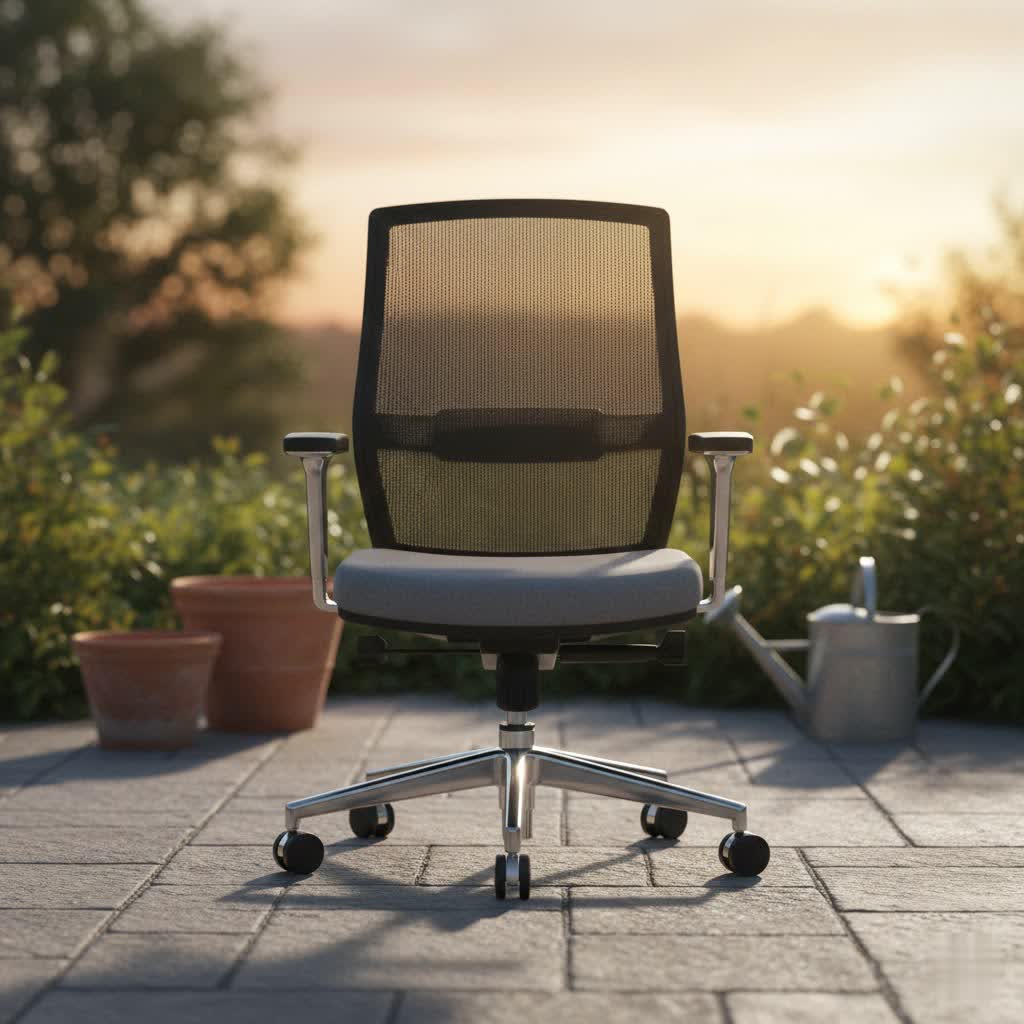
Spending hours at your desk shouldn’t be a pain in the neck – or back! Many of us experience discomfort, fatigue, and even chronic pain from prolonged sitting in unsuitable chairs. A quality ergonomic office chair is more than just a piece of furniture; it’s an investment in your health, productivity, and overall well-being. This comprehensive guide will walk you through everything you need to know to select the perfect ergonomic office chair that truly supports your body and transforms your workspace.
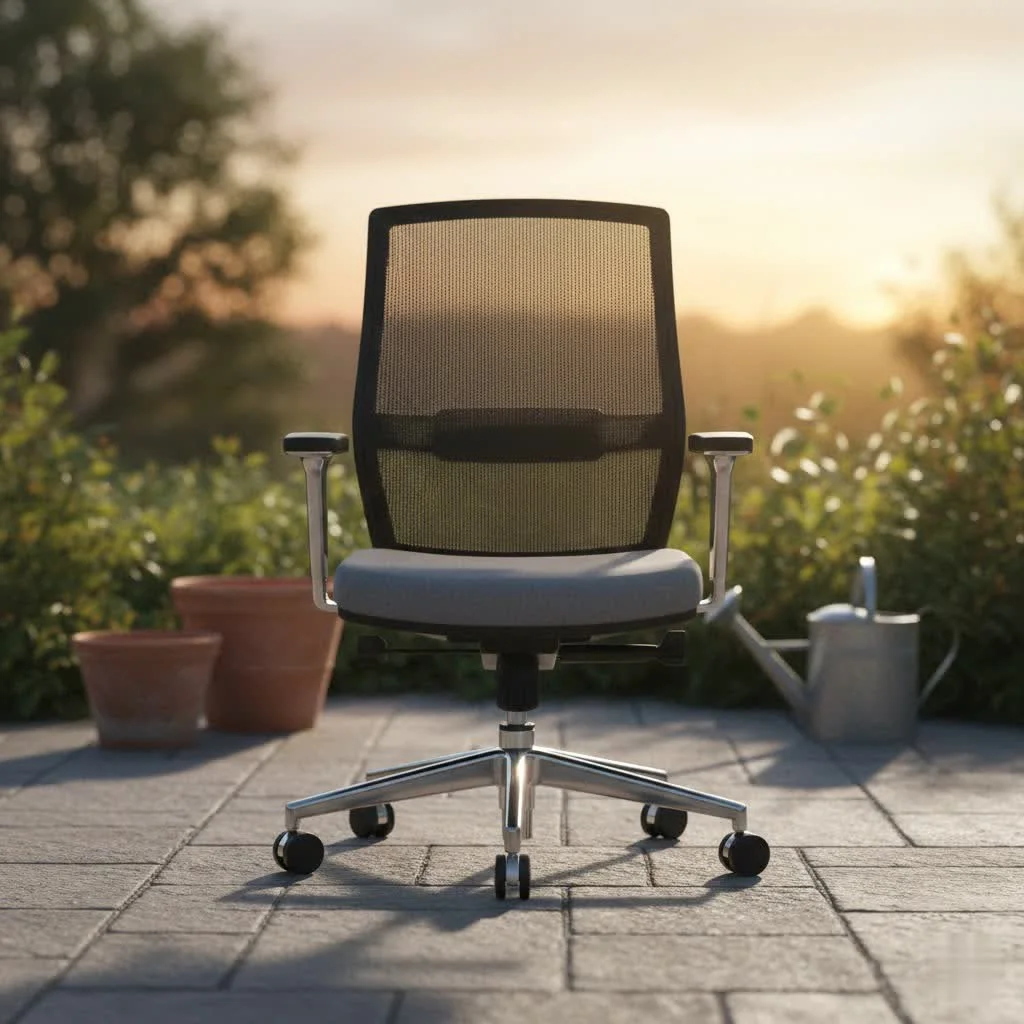
Understanding Ergonomic Office Chairs: More Than Just Comfort
What truly sets an “ergonomic” office chair apart from a standard one? It’s all about design tailored to the human body, promoting proper posture and adapting to your unique needs. Unlike conventional chairs that offer minimal adjustability, ergonomic chairs are engineered to provide crucial support to your back, shoulders, and legs, significantly reducing strain.
The benefits extend far beyond immediate comfort. A well-designed ergonomic chair actively prevents common issues such as musculoskeletal disorders, chronic back pain, neck stiffness, and poor circulation. By maintaining a neutral posture, you’ll experience less fatigue, improved concentration, and a notable boost in productivity throughout your workday. It’s about empowering you to work smarter, not harder, by supporting your body’s natural alignment.
Key Features to Look for in an Ergonomic Office Chair
Selecting the right ergonomic chair means paying close attention to its adjustable components and overall design. These features work in harmony to provide personalized support and comfort for sustained periods of sitting.
Adjustable Components are Crucial
The cornerstone of any great ergonomic chair is its extensive adjustability. Every individual has different body dimensions, work habits, and postural needs. Therefore, a chair that can be customized to fit you perfectly is essential.
- Seat Height Adjustment: This is fundamental. Your feet should rest flat on the floor or a footrest, with your knees forming a 90-degree angle, and your hips ideally at a 90 to 120-degree angle. This ensures optimal circulation and prevents pressure on your thighs.
- Seat Depth Adjustment: To avoid pressure behind your knees, aim for a 2-4 inch gap between the back of your knees and the front edge of the seat pan when sitting fully back. This ensures full thigh support without restricting blood flow.
- Armrests: Look for armrests that are adjustable in height, width, and pivot. They should allow your shoulders to remain relaxed, with your elbows resting comfortably at your sides, and your forearms and wrists parallel to your lap, reducing strain on your upper body.
- Backrest: The backrest should conform to the natural curvature of your spine, providing stable support, especially in the lumbar region. It should be adjustable in height and angle, allowing you to recline and shift your posture throughout the day. Chairs that support dynamic sitting are often preferred over those that lock into a single position, as movement is beneficial for spinal health.
- Lumbar Support: This critical feature supports the natural inward curve of your lower spine. An adjustable lumbar system (both height and depth) allows you to customize this support precisely, preventing slouching and alleviating pressure on your lower back.
- Tilt and Tension Control: These controls allow you to recline and rock the chair, with adjustable tension to match your body weight, providing comfortable movement or a locked-in position.
Material Matters: Seat and Backrest Design
|
Our Picks for the Best Office Chair in 2026
As an Amazon Associate I earn from qualifying purchases.
|
||
| Num | Product | Action |
|---|---|---|
| 1 | BestOffice - Ergonomic Office Chair - Mid-Back Swivel Desk Chair - Breathable Backrest & Lumbar Support - Adjustable Height - Sponge Seat - Rolling Wheels - Black - for Adults & Women |

|
| 2 | Ergonomic Office Chair with Footrest - Adjustable Lumbar Support & Headrest, 90-160° Reclining Mesh Back Computer Chair - Home Office/Gaming, 350lbs Capacity (SGS Certified) |
|
| 3 | Marsail Ergonomic Office Chair: Office Desk Chair with High Back Mesh and Adjustable Lumbar Support Rolling Work Swivel Task Chairs with Wheel 3D Armrests and Headrest |
|
| 4 | TRALT Office Chair - Ergonomic Desk Chair with Adjustable Lumbar Support, Mesh Computer Chair, Executive Chairs for Home Office Comfortable Lumbar Support (Black) |
|
| 5 | Sweetcrispy Office Computer Desk Chair, Ergonomic High-Back Mesh Rolling Work Chairs with Wheels and Adjustable Headrests, Comfortable Lumbar Support, Comfy Flip-up Arms for Home, Bedroom, Study,Black |
|
| 6 | TRALT Office Chair Ergonomic Desk Chair, 330 LBS Home Mesh Office Desk Chairs with Wheels, Comfortable Gaming Chair, High Back Office Chair for Long Hours (Black) |
|
| 7 | Amazon Basics Classic Puresoft PU Padded Mid-Back Height Adjustable Office Computer Desk Chair with Armrest, 26"D x 23.75"W x 42"H, Black |
|
| 8 | Amazon Basics Classic Puresoft PU Padded Mid-Back Height Adjustable Office Computer Desk Chair with Armrest, 26"D x 23.75"W x 42"H, Cream |
|
| 9 | TRALT Office Chair Ergonomic Desk Chair, 330 LBS Home Mesh Office Desk Chairs with Wheels, Comfortable Gaming Chair, High Back Office Chair for Long Hours (White) |
|
| 10 | Monhey Desk Computer Chairs - Ergonomic with Lumbar Support & Flip-up Arms Home Office Height Adjustable High Back Rockable Swivel 360° Warm Taupe Mesh Study Chair |
|
The materials and design of the seat and backrest significantly impact comfort, breathability, and durability.
- Seat Surface: A good seat cushion should be comfortable enough for extended periods. Breathable materials like mesh or fabric are excellent for minimizing heat and moisture buildup, especially in warmer climates. Some chairs combine a foam seat with a mesh back for balanced comfort and airflow.
- Backrest Shape: Beyond adjustability, the backrest should ideally mimic the natural ‘S’ shape of your spine, offering continuous support from the lumbar area up to your shoulders.
- Base and Casters: A five-point base is recommended for stability and to prevent tipping. The casters (wheels) should glide smoothly across your flooring type – soft casters for hard floors and hard casters for carpets are typically recommended.
Types of Ergonomic Office Chairs
The market offers a diverse range of ergonomic chairs, each with unique characteristics and benefits. Understanding the common types can help narrow down your options:
- Task Chairs: These are the most common type, designed for general office work with comprehensive adjustability for everyday use.
- Executive Chairs: Often featuring higher backs and more luxurious materials like leather, executive chairs offer a blend of ergonomic support and a sophisticated aesthetic.
- Mesh Chairs: Popular for their breathability, mesh backrests (and sometimes seats) promote airflow, keeping you cool during long work sessions. They often provide excellent lumbar support that conforms to your back.
- Leather Chairs: Offering a premium feel and elegant appearance, leather chairs are durable and easy to clean, though they may retain more heat than mesh options.
- Fabric Chairs: These provide a wide range of color and texture options, often offering a soft, comfortable feel.
- Ergonomic Gaming Chairs: While often designed with aesthetics in mind, many gaming chairs incorporate ergonomic features like high backs, neck pillows, and robust lumbar support to accommodate long gaming sessions, which can translate well to office work.
- Stools and Active Sitting Chairs: Gaining popularity, these chairs encourage movement and engagement of core muscles. They are often paired with standing desks and are great for dynamic work environments, fostering posture shifts and reducing sedentary behavior.
How to Choose the Right Ergonomic Office Chair for You
Finding your perfect ergonomic office chair is a personal journey. It involves evaluating your individual needs, understanding product specifics, and ideally, experiencing the chair firsthand.
1. Assess Your Individual Needs
Before you even start looking, consider your personal requirements:
- How many hours do you sit each day? The longer your sitting hours, the more critical advanced adjustability and robust support become.
- Do you have any existing back pain, neck issues, or other conditions? Specific ergonomic features, like enhanced lumbar support or a headrest, might be vital.
- What is your body type? Height and weight significantly influence the chair’s fit. Many brands offer different chair sizes (e.g., A, B, C for Herman Miller Aeron) or specific “big and tall” options.
- What is your budget? Ergonomic chairs range widely in price, from budget-friendly models to high-end investments. Determine a realistic budget to guide your search.
2. Research and Read Reviews
Once you have an idea of your needs, dive into research. Look for detailed reviews and comparisons of specific models. Pay attention to feedback regarding comfort for long hours, adjustability, build quality, and durability. Reviews from individuals with similar body types or work habits can be particularly helpful.
3. Try Before You Buy
Whenever possible, sit in the chair before purchasing. Adjust all its features to fit your body. Spend at least 15-20 minutes in the chair, mimicking your typical work posture. Pay attention to how it supports your spine, the comfort of the seat, and the feel of the armrests. This hands-on experience is invaluable for making an informed decision.
4. Consider Materials and Aesthetics
While ergonomics are paramount, the chair’s material and style should also align with your preferences and office environment. Mesh offers breathability, leather exudes luxury, and fabric provides versatility. Choose a design that complements your workspace.
5. Check Warranty and Customer Service
A quality ergonomic chair is an investment. Look for manufacturers that offer substantial warranties (many offer 5-12 years or more) and reliable customer service. This ensures peace of mind and protection for your investment.
Top Ergonomic Office Chair Brands and What They Offer
The ergonomic chair market features several reputable brands known for their innovative designs and commitment to user well-being.
- Herman Miller: Widely considered a pioneer in ergonomic design, Herman Miller offers iconic chairs like the Aeron and Embody. These chairs are known for their sophisticated engineering, dynamic support, breathable materials, and premium price point, often featuring extensive adjustability and long warranties.
- Steelcase: Another industry leader, Steelcase produces highly regarded chairs such as the Leap and Gesture. Their chairs are celebrated for their adaptive support systems, robust build quality, and extensive customization options, designed to support various postures and movements throughout the workday. The Steelcase Series 2 is also praised for balancing performance and price.
- Branch: Offering a range of chairs like the Ergonomic Chair Pro and Verve Chair, Branch aims to provide high-quality ergonomic features at more accessible price points. They often highlight strong lumbar support, easy assembly, and durable components, making them popular choices for home and small offices.
- Sihoo: A brand gaining traction for value, Sihoo offers models like the M57 and Doro C300. These chairs are often praised for packing a good range of ergonomic adjustments and comfortable designs into a more budget-friendly package, making advanced ergonomics available to a wider audience.
- FlexiSpot: Known for its standing desks, FlexiSpot also offers ergonomic chairs like the C7. Their chairs often focus on adjustability and comfort, providing good options for those looking to integrate their seating with a dynamic workstation.
Each brand offers unique strengths, from cutting-edge design to exceptional value, allowing you to find a chair that matches both your ergonomic needs and aesthetic preferences.
Maximizing Your Ergonomic Chair’s Benefits: Setup and Maintenance
Having a superb ergonomic chair is only half the battle; proper setup and consistent use are equally vital to harness its full potential.
Proper Adjustment Guide
Take the time to adjust your chair correctly to your body and workstation.
- Feet Flat: Adjust seat height so your feet are flat on the floor or a footrest, with knees at a 90-degree angle.
- Thigh Clearance: Ensure a 2-4 inch gap between the back of your knees and the edge of the seat.
- Lumbar Support: Position the lumbar support to fit snugly into the natural curve of your lower back.
- Backrest Angle: Adjust the recline and tension to support your spine comfortably, allowing for slight movement.
- Armrests: Set armrest height so your elbows are at a 90-degree angle, with shoulders relaxed. They should support your arms without causing you to hunch.
- Monitor Position: Your monitor should be at arm’s length, with the top of the screen at or slightly below eye level.
Maintain Good Posture and Take Breaks
Even with the best ergonomic chair, prolonged static sitting is not ideal.
- Regular Movement: Make it a habit to stand up and move around every 20-30 minutes. Simple stretches or a short walk can significantly improve circulation and reduce muscle stiffness.
- Dynamic Sitting: Utilize your chair’s recline and tilt features to subtly change your posture throughout the day. This keeps your muscles engaged and prevents static load on your spine.
- Workspace Integration: Ensure your desk, keyboard, mouse, and monitor are also set up ergonomically to complement your chair.
Cleaning and Care
Regular maintenance will extend the life of your ergonomic chair. Follow the manufacturer’s cleaning instructions for your specific materials, and periodically check for any loose screws or components to ensure continued stability and performance.
Conclusion
Choosing the right ergonomic office chair is a pivotal step towards a healthier, more comfortable, and more productive work life. It’s about investing in a tool that actively supports your body, prevents discomfort, and promotes long-term well-being. By understanding the key features, exploring different types, and taking the time to find a chair that perfectly suits your individual needs, you can transform your daily sitting experience. Remember, your ideal ergonomic chair isn’t just about luxurious comfort; it’s about creating a sustainable foundation for your health and maximizing your potential at your desk.
What features are you prioritizing in your next ergonomic office chair?
Frequently Asked Questions
Are ergonomic chairs really worth the investment?
Absolutely. While the initial cost can be higher than conventional chairs, ergonomic chairs are a long-term investment in your health, reducing the risk of musculoskeletal issues, improving posture, and boosting productivity, ultimately saving you money on potential health treatments and improving your quality of life at work.
Mesh vs. leather: Which material is better for an office chair?
The “better” material depends on your priorities. Mesh offers superior breathability, making it ideal for warmer climates or individuals who tend to get hot. Leather provides a luxurious feel and is easy to clean, but it may not offer the same level of airflow. Fabric chairs offer a balance of comfort, aesthetics, and often a lower price point.
How much should I expect to pay for a good ergonomic office chair?
The price range for quality ergonomic office chairs is broad. While some reputable models can be found in the $300-$600 range, high-end, premium chairs from leading brands can cost upwards of $1,000 to $2,000 or more. The price often reflects the chair’s adjustability, material quality, durability, and brand reputation.
Can an ergonomic chair cure back pain?
An ergonomic chair can significantly alleviate and prevent back pain by providing proper support and promoting healthy posture. However, it’s not a magic cure. For existing severe back pain, it’s crucial to consult a healthcare professional. The chair works best in conjunction with good sitting habits, regular movement, and an overall ergonomically optimized workspace.
How often should I adjust my ergonomic chair?
You should initially adjust your ergonomic chair to fit your body and workstation perfectly. After that, you should make minor adjustments whenever you feel discomfort or change your working posture. It’s also beneficial to subtly change your recline and seat position throughout the day to encourage dynamic sitting and keep your muscles active.
Get our weekly buyer guide
Practical specs, not advice. Unsubscribe anytime.
