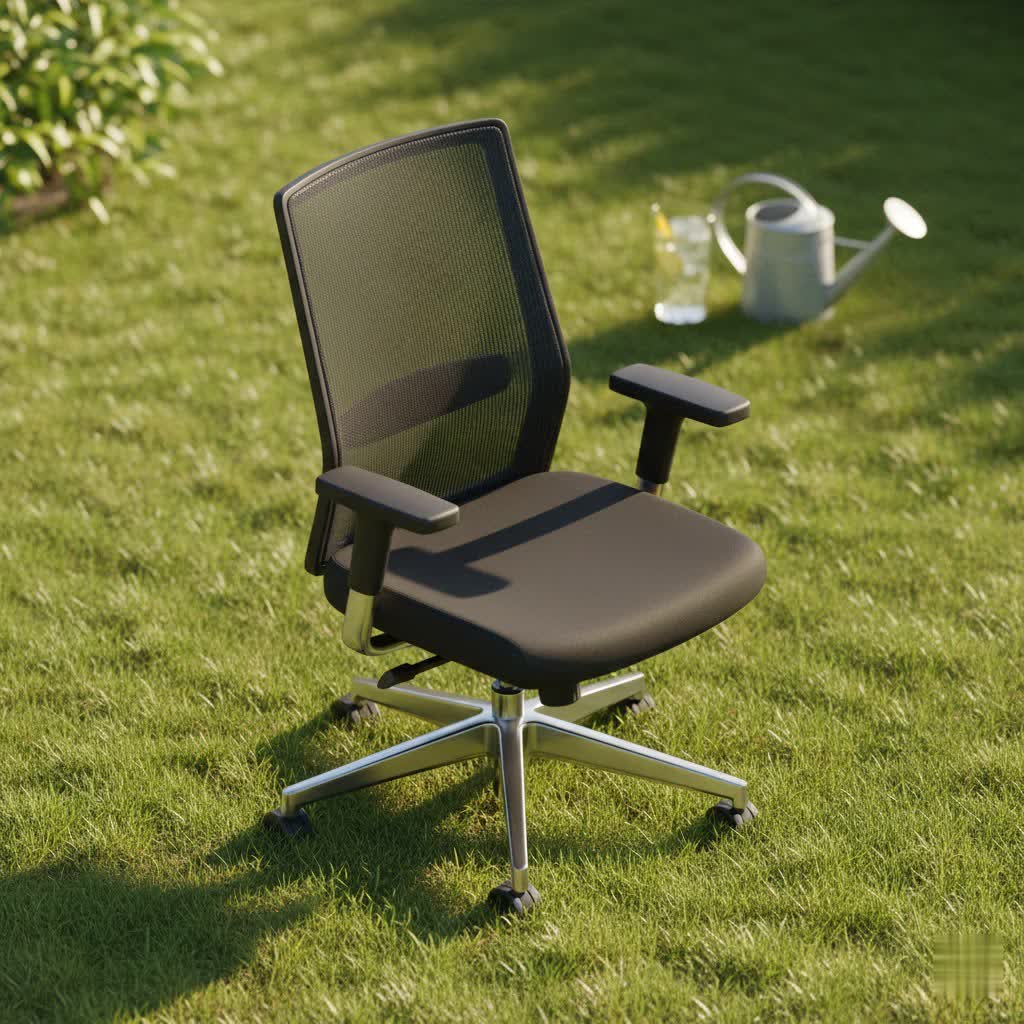
Do you find yourself constantly shifting, stretching, or sighing in discomfort while working? For many professionals, persistent lower back pain isn’t just an annoyance; it’s a daily battle that impacts productivity and overall well-being. A significant culprit? Your office chair. Investing in the right office chair for lower back pain isn’t a luxury; it’s a vital investment in your health, comfort, and long-term productivity. This comprehensive guide will navigate the complexities of ergonomic design, pinpoint crucial features, and help you find the perfect chair to transform your workday and alleviate discomfort.
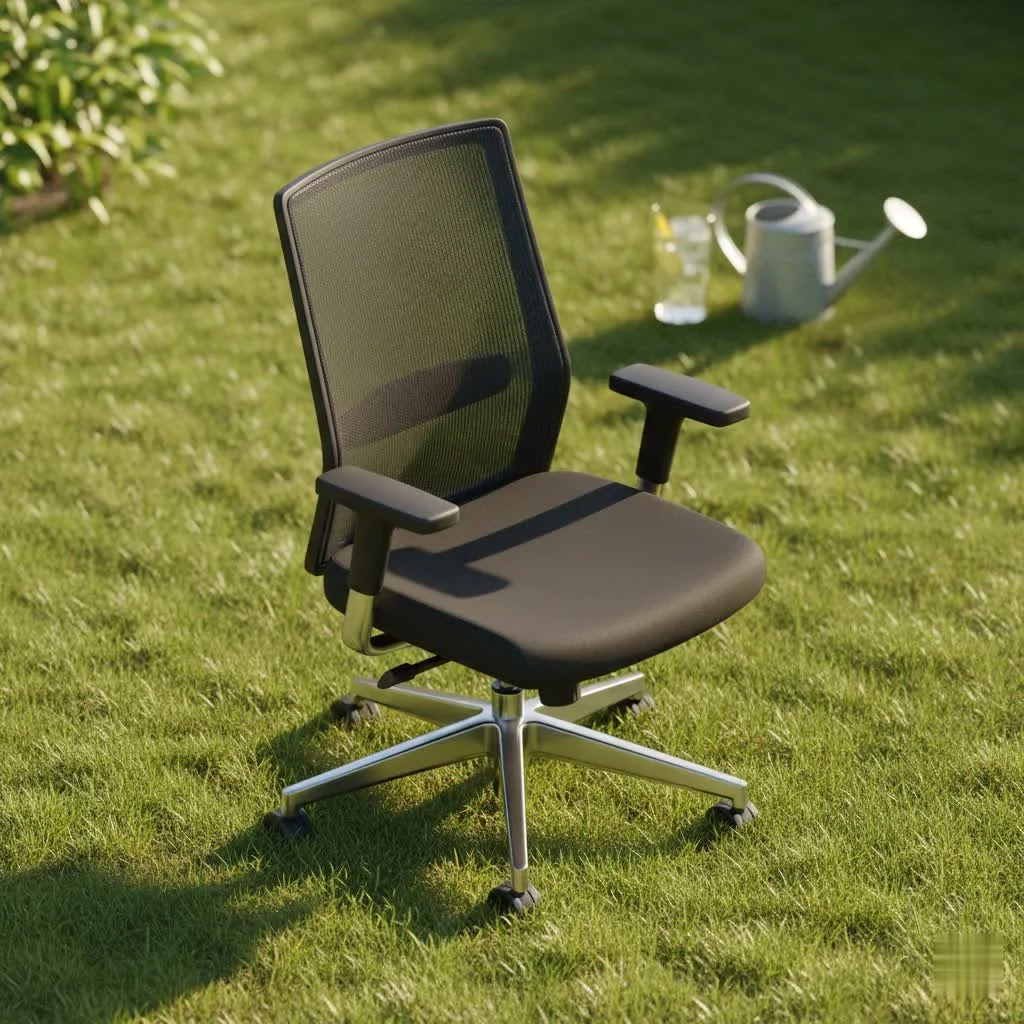
Understanding Lower Back Pain and Your Office Chair
The human spine is naturally curved, forming an “S” shape. Prolonged sitting in a chair that doesn’t support these natural curves can lead to poor posture, increased pressure on spinal discs, muscle strain, and ultimately, lower back pain. A poorly designed office chair forces your spine into an unnatural “C” shape, flattening the lumbar curve and exacerbating existing conditions or creating new ones. Ergonomic office chairs are specifically engineered to counteract these issues by promoting a healthy, neutral spinal alignment, reducing pressure points, and encouraging micro-movements crucial for circulation and preventing stiffness. For shop curated office chair on this site.
Types of Office Chairs for Back Pain Relief
While the market offers a vast array of office chairs, certain types are particularly beneficial for those suffering from lower back pain. The key lies in their ability to provide adjustable and responsive support to the lumbar region.
Ergonomic Office Chairs
Ergonomic chairs are the gold standard for back pain relief. They are designed with adjustability in mind, allowing you to customize various components to fit your unique body shape and preferred posture. Key features often include:
- Adjustable Lumbar Support: This is paramount, offering height and depth adjustments to cradle the natural curve of your lower back.
- Synchronized Tilt and Recline: Allows the seat and backrest to move in a coordinated way, maintaining consistent support.
- Seat Depth Adjustment: Ensures your thighs are fully supported without pressure behind your knees.
These chairs actively work with your body, promoting dynamic sitting and preventing static postures that lead to discomfort.
Mesh Office Chairs
Often ergonomic in design, mesh chairs are characterized by their breathable, woven backrests and sometimes seats. This material conforms to your body, offering suspended support that distributes weight evenly. The primary advantage of mesh is its exceptional airflow, which keeps you cool during long hours, making them ideal for warmer climates or individuals who tend to run hot. While many mesh chairs offer excellent lumbar support, it’s important to choose one with high-quality mesh that won’t sag over time, compromising support.
Executive and Padded Office Chairs
|
Our Picks for the Best Office Chair in 2026
As an Amazon Associate I earn from qualifying purchases.
|
||
| Num | Product | Action |
|---|---|---|
| 1 | Amazon Basics Classic Puresoft PU Padded Mid-Back Height Adjustable Office Computer Desk Chair with Armrest, 26"D x 23.75"W x 42"H, Cream |

|
| 2 | TRALT Office Chair Ergonomic Desk Chair, 330 LBS Home Mesh Office Desk Chairs with Wheels, Comfortable Gaming Chair, High Back Office Chair for Long Hours (Black) |
|
| 3 | TRALT Office Chair - Ergonomic Desk Chair with Adjustable Lumbar Support, Mesh Computer Chair, Executive Chairs for Home Office Comfortable Lumbar Support (Black) |
|
| 4 | Sweetcrispy Office Computer Desk Chair, Ergonomic High-Back Mesh Rolling Work Chairs with Wheels and Adjustable Headrests, Comfortable Lumbar Support, Comfy Flip-up Arms for Home, Bedroom, Study,Black |
|
| 5 | Monhey Desk Computer Chairs - Ergonomic with Lumbar Support & Flip-up Arms Home Office Height Adjustable High Back Rockable Swivel 360° Warm Taupe Mesh Study Chair |
|
| 6 | TRALT Office Chair Ergonomic Desk Chair, 330 LBS Home Mesh Office Desk Chairs with Wheels, Comfortable Gaming Chair, High Back Office Chair for Long Hours (White) |
|
| 7 | Amazon Basics Classic Puresoft PU Padded Mid-Back Height Adjustable Office Computer Desk Chair with Armrest, 26"D x 23.75"W x 42"H, Black |
|
| 8 | Marsail Ergonomic Office Chair: Office Desk Chair with High Back Mesh and Adjustable Lumbar Support Rolling Work Swivel Task Chairs with Wheel 3D Armrests and Headrest |
|
| 9 | Ergonomic Office Chair with Footrest - Adjustable Lumbar Support & Headrest, 90-160° Reclining Mesh Back Computer Chair - Home Office/Gaming, 350lbs Capacity (SGS Certified) |
|
| 10 | BestOffice - Ergonomic Office Chair - Mid-Back Swivel Desk Chair - Breathable Backrest & Lumbar Support - Adjustable Height - Sponge Seat - Rolling Wheels - Black - for Adults & Women |
|
While many executive chairs boast plush cushioning and a luxurious appearance, not all provide adequate ergonomic support for lower back pain. Some high-end executive models are designed with integrated ergonomic features, including robust lumbar support and extensive adjustability. However, softer, less supportive padding can cause you to sink, leading to poor posture. If considering a padded chair, ensure it explicitly highlights adjustable ergonomic features and firm, high-density foam that will maintain its shape and support over time.
Key Factors to Consider When Buying an Office Chair for Lower Back Pain
Selecting the right office chair is a personal journey, but focusing on these critical factors will guide you toward a solution that truly supports your lower back.
Comfort and Lumbar Support
The cornerstone of a back-pain-friendly chair is its lumbar support system. Look for chairs with:
- Adjustable Lumbar Support: The ability to adjust the height and depth of the lumbar support ensures it hits the specific curve of your lower back, providing targeted pressure relief. Some advanced chairs offer tension adjustment, allowing you to control the firmness of the support.
- Dynamic Support: Certain chairs feature backrests or lumbar systems that flex and move with your body, maintaining consistent support even as you shift or recline. This is particularly beneficial for those who don’t maintain a static posture.
Adjustability
A truly ergonomic chair offers a wide range of adjustments to conform to your unique physique and sitting habits.
- Seat Height: Your feet should rest flat on the floor with your knees at a 90-100 degree angle.
- Seat Depth: Ensure there’s a 2-3 inch gap between the front edge of the seat and the back of your knees, preventing pressure on your circulation and fully supporting your thighs.
- Backrest Recline and Tilt: Look for synchronous mechanisms where the seat and backrest move together. The ability to lock the recline at various angles allows you to find your most comfortable and supportive position. Tilt tension control lets you adjust the effort needed to recline.
- Armrests: 2D (height/width), 3D (height/width/depth), or 4D (height/width/depth/pivot) armrests prevent shoulder and neck strain. They should allow your arms to rest comfortably at a 90-degree angle to your desk.
Material
The material of your chair impacts comfort, breathability, and durability.
- Mesh: Excellent for breathability, conforming to your body, and distributing weight. High-quality mesh is durable and supportive.
- High-Density Foam/Upholstery: Offers plush comfort and good support if the foam is firm and doesn’t compress quickly. However, it can retain heat more than mesh.
- Leather/Faux Leather: Provides a luxurious look and is easy to clean, but often less breathable than mesh. Ensure underlying support is ergonomic, not just soft padding.
Durability and Longevity
A good office chair is an investment. High-quality chairs from reputable brands are built to last, often coming with extensive warranties. Steelcase and Herman Miller, for instance, frequently offer 12-year warranties, reflecting their confidence in robust construction and materials. Considering the per-year cost, a more expensive, durable chair can be a better long-term value than a cheaper one that needs frequent replacement.
Size and Style
The chair must fit your body and your workspace.
- Body Fit: Pay attention to recommended height and weight ranges. Some premium chairs come in multiple sizes (e.g., Herman Miller Aeron A, B, C) to ensure an optimal fit for petite, average, and tall users.
- Aesthetics: While function is paramount for back pain, the chair should also complement your office environment. Many ergonomic chairs now offer sleek designs and various color options.
Top Office Chairs for Lower Back Pain: A Comparison
Finding the ideal office chair for lower back pain often involves balancing features, comfort, and budget. Here’s a comparison of some highly-regarded models, known for their ergonomic excellence:
| Brand & Model | Key Strengths for Back Pain | Potential Considerations | Price Range (Approx.) |
|---|---|---|---|
| Steelcase Leap v2 | Exceptional, highly adjustable lumbar support (height, depth, tension); “LiveBack” technology molds to spine; consistent support through recline. | Premium price; padded backrest can retain heat; “sticky” recline may not suit all. | $1,000 – $1,800 |
| Herman Miller Aeron | Iconic design with breathable Pellicle mesh; PostureFit SL sacral support; available in multiple sizes for tailored fit; fluid tilt function. | Premium price; fixed seat depth (requires correct size selection); rigid frame may restrict cross-legged sitting; mesh can be polarizing. | $1,200 – $2,200 |
| Ergohuman GEN2 | Impressive, pronounced adjustable lumbar support (height, tension); stays with you even when leaning forward; comfortable mesh seat. | Lumbar support might be too strong for some; armrests could use more width adjustment; mesh seat can be an issue for some. | $800 – $1,000 |
| Branch Ergonomic Chair Pro | Excellent mid-range value; chic design; super comfortable with ample adjustments for healthy posture and blood flow. | Some assembly required; taller users may need an extended cylinder; armrests could be sturdier. | $700 – $800 |
| Sihoo M18 | Best budget option with surprising comfort and ergonomic features for its price; dynamic lumbar support; all-mesh design. | Build quality may not match premium brands; self-adaptive lumbar support is good but may not suffice for chronic, specific pain. | $200 – $300 |
Your Guide to Buying the Perfect Office Chair
Navigating the market for an office chair, especially one to alleviate back pain, can feel overwhelming. Follow these steps for a more informed decision:
-
Assess Your Specific Needs:
- How many hours do you sit per day? For 8+ hours, a premium ergonomic chair is a wise investment.
- Do you have existing back problems? Consult a healthcare professional for specific recommendations. Look for chairs with highly adjustable lumbar support.
- What’s your budget? While premium chairs offer the most features, excellent mid-range and budget-friendly ergonomic options exist.
- What are your body dimensions? Measure your height and weight, and consider seat height, depth, and backrest height requirements.
-
Research Thoroughly:
- Read reviews: Look for in-depth reviews from trusted sources that have rigorously tested chairs. Pay attention to how different body types fared.
- Compare features: Use comparison tables and detailed product descriptions to match chair features against your specific needs.
- Watch video reviews: Visual demonstrations can offer insights into adjustability and overall feel that static images cannot.
-
Try Before You Buy (If Possible):
- Visiting a showroom allows you to sit in various chairs, adjust their settings, and experience the support firsthand. This is invaluable, as personal comfort is subjective.
- Pay attention to how the lumbar support feels, if the seat depth is appropriate, and if the armrests position your arms correctly.
-
Choose Reputable Retailers:
- Purchase from stores with clear warranty policies and generous return periods. This protects your investment and ensures you can exchange the chair if it doesn’t meet your expectations.
Leading Brands in Ergonomic Office Chairs
Several brands consistently receive high praise for their commitment to ergonomic design and back health.
- Herman Miller: Renowned for iconic designs like the Aeron and Embody, offering cutting-edge ergonomics and superior materials, though at a premium price point.
- Steelcase: Known for innovative technologies like “LiveBack” and robust construction, providing exceptional support and durability with models like the Leap and Gesture.
- Humanscale: Focuses on minimalist design and automatic adjustments, with chairs like the Diffrient Smart and Freedom offering intuitive ergonomic support.
- Ergohuman / Eurotech: Provides feature-rich, highly adjustable mesh chairs at a competitive price, often ranking high for pronounced lumbar support.
- Branch: Offers well-designed, ergonomic chairs at a mid-range price, balancing style and comfort.
- Sihoo: A rising star in the budget to mid-range segment, delivering impressive ergonomic features and comfort without a hefty price tag.
Maximizing Your Chair’s Benefits: Usage and Maintenance Tips
A fantastic ergonomic chair is only as good as how you use and maintain it.
- Adjust Your Chair Correctly: Spend time fine-tuning all available adjustments (seat height, depth, lumbar support, armrests) to fit your body perfectly. Your feet should be flat on the floor, knees at a 90-degree angle, and forearms parallel to the desk.
- Practice Good Posture: Even with the best chair, actively engaging your core and maintaining a neutral spine throughout the day is important. Resist slouching or leaning forward excessively.
- Take Regular Breaks: “Constant changes to your posture are integral to healthy sitting,” notes Dr. Lindsey Migliore, an Esports Medicine and PM&R Physician. Aim to stand up, stretch, and move around every 30-60 minutes to improve circulation and reduce stiffness.
- Clean and Inspect Regularly: Follow manufacturer guidelines for cleaning materials to ensure longevity. Periodically check bolts, casters, and adjustment mechanisms for wear and tear.
Conclusion
Choosing the best office chair for lower back pain is a critical step towards a healthier, more comfortable, and productive work life. It requires understanding your body’s needs, recognizing the essential ergonomic features, and investing in a quality product from a reputable brand. By prioritizing adjustable lumbar support, comprehensive adjustability, and a proper fit, you can find a chair that transforms your sitting experience from one of discomfort to one of sustained relief. Remember, your chair is more than just furniture; it’s a foundation for your well-being. What will be the first feature you look for in your next office chair to finally find relief?
Frequently Asked Questions
Are soft office chairs good for back pain?
No, a soft, plush office chair that allows you to sink in is generally not good for back pain. While initially comfortable, it often leads to poor spinal alignment and increased pressure on your lower back. For optimal support and pain relief, choose a chair with firm, high-density foam or a supportive mesh that maintains its shape and promotes proper posture.
How do ergonomic chairs differ from regular chairs for back pain?
Ergonomic chairs are specifically designed with extensive adjustability (like seat height, depth, backrest angle, and crucial lumbar support) to conform to the user’s body, promoting a neutral spine and reducing pressure points. Regular chairs often lack these customizable features, forcing users into static, unhealthy postures that exacerbate or cause back pain.
What’s the ideal price range for a good back pain office chair?
The ideal price range varies, but you can find excellent ergonomic chairs from $200-$300 for budget-friendly options, offering core features like adjustable lumbar support. Mid-range chairs (e.g., $500-$900) provide enhanced features and better build quality, while premium chairs ($1,000+) like Herman Miller or Steelcase offer the highest level of adjustability, materials, and long-term durability.
How often should I take breaks when sitting?
It is highly recommended to take regular breaks throughout your workday to maintain a healthy posture and circulation. Aim to stand up, walk around, or perform light stretches every 30 to 60 minutes. Even short bursts of movement can significantly reduce the negative impacts of prolonged sitting and alleviate back strain.
Can an office chair fix my existing back pain?
While a high-quality ergonomic office chair can significantly alleviate and prevent lower back pain by providing proper support and promoting good posture, it is not a magic cure for all existing conditions. It’s a crucial tool in managing and improving back health, but for chronic or severe pain, consulting with a healthcare professional or physical therapist for a comprehensive treatment plan is always recommended.
Get our weekly buyer guide
Practical specs, not advice. Unsubscribe anytime.
